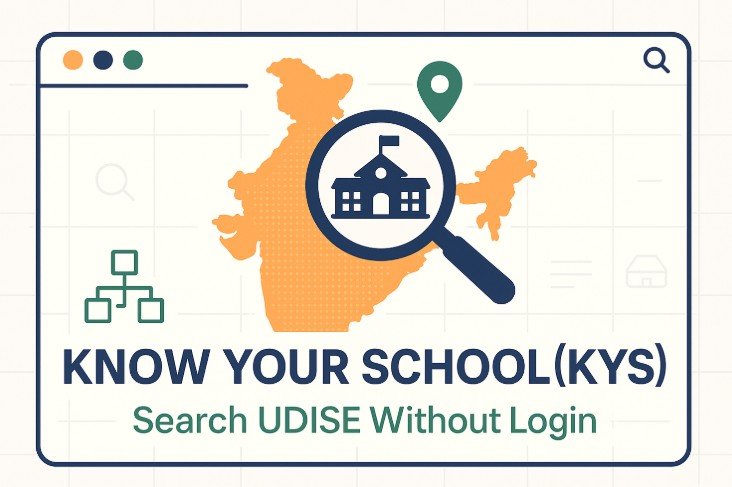
You do not need a UDISE+ login to look up a school’s UDISE code or its basic details. Here are the two free ways, and what each one shows.
Option 1: Know Your School (official, free)
- Open the official Know Your School, UDISE+ school search page.
- Choose Select State, then Select District, then Select Block.
- Optionally narrow the list with the facility filters: Residential Schools, Schools with Computer Room, Play Ground, CWSN, Library, Internet, CCE Implemented and English Medium.
- Click the school to open its School Information window.
What the School Information window shows
- Identity and location: school name, UDISE code, state, district, block, cluster, village and PIN code.
- Classification: school category, school type, classes from and to, state and national management, status and location.
- Facilities: building status, boundary wall, boys’, girls’ and CWSN toilets, drinking water, hand wash, generator, library, reading corner, book bank, digital board, internet, DTH, web cam, residential status, computer room, playground, CWSN facilities, medium of instruction and whether CCE is implemented.
Check the year: the page says which academic year its data comes from, and this can be older than the current year. If a school has recently changed (for example a new building or a change of management), the page may not show it yet.
Option 2: udise.net code finder
Know Your School only lets you browse by state, district and block, so you need to know the block first. Our UDISE code finder lets you search by school name, district, block or PIN code, which helps when you only know the school’s name or area. It is a convenience tool and not an official record, so confirm anything important on Know Your School.
Tips for a faster search
- Not sure of the block? Search the school’s name or PIN code in our code finder first, then confirm on Know Your School.
- Schools with similar names are common. Check the village, cluster and PIN code to be sure you have the right one.
- The UDISE code has 11 digits. The first two show the state and the next two the district. See the code explained.
What you cannot get without logging in
Student-level information, such as a child’s PEN or APAAR status, is not public. Parents should ask the school, which can see it in UDISE+.